Claude Design: The Practical Setup Guide for Non-Designers
A walkthrough for making landing pages, decks, prototypes, and branded visuals without starting from scratch.

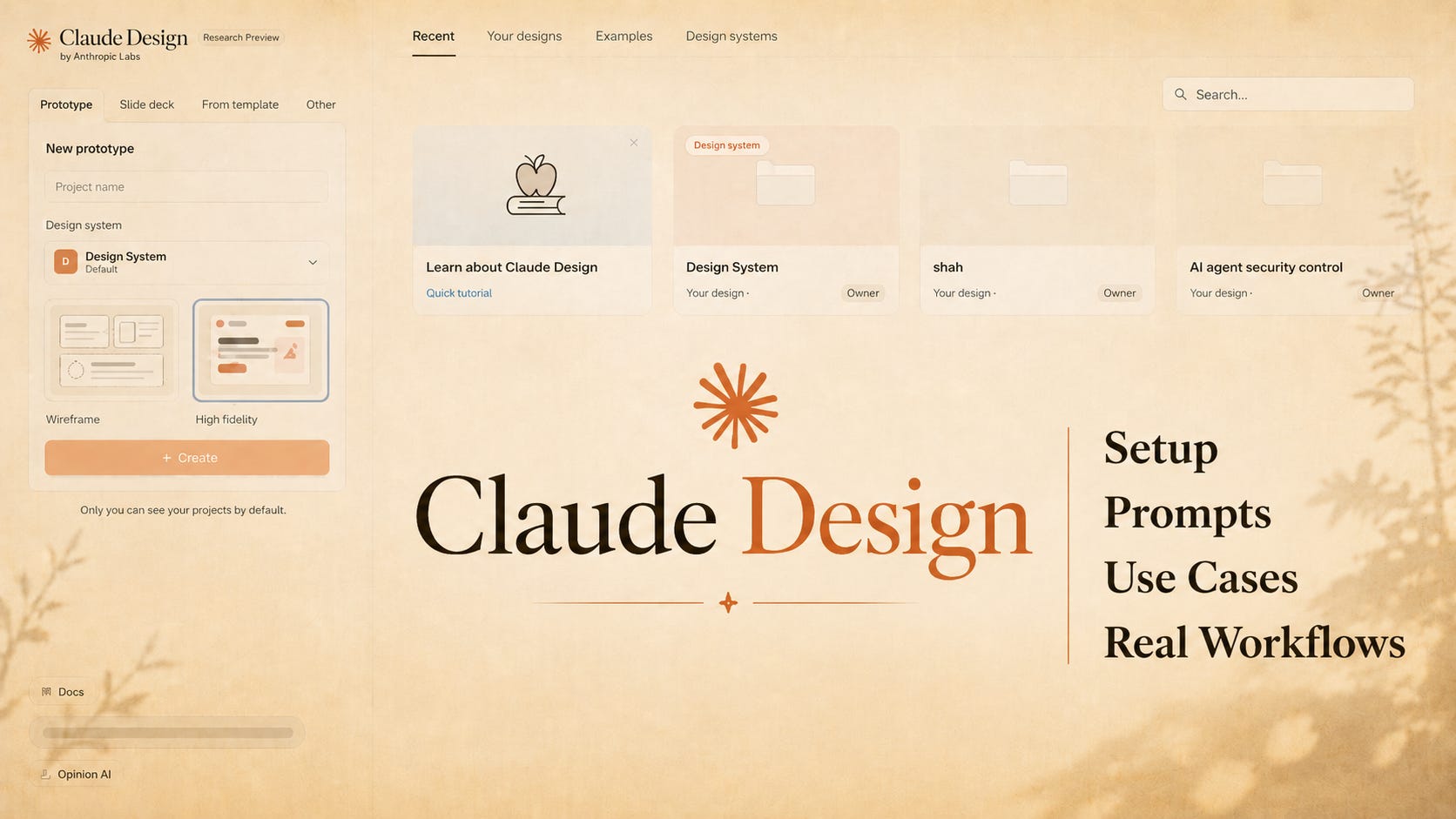
There is a very simple way to understand Claude Design.
You describe what you need.
Claude builds the first visual version.
Then you correct it, guide it, and export it.
That sounds small until you use it for real work.
A landing page that normally sits in your notes for two weeks can become a working draft in one session. A pitch deck that usually starts as ugly slides can become a clean first version before the story goes cold. A product idea can become a clickable prototype before anyone writes code.
Claude Design is not magic. It is not a full replacement for a serious designer. It is also not another template tool.
It is the new first-draft layer for visual work.
And the quality depends less on design skill, and more on setup.
Anthropic launched Claude Design through Anthropic Labs on April 17, 2026. It is powered by Claude Opus 4.7 and is available in research preview for Claude Pro, Max, Team, and Enterprise users. It lives at claude.ai/design, not inside normal Claude chat.
The mistake is opening it and typing:
Make me a landing page.
That works, but it gives you the average AI design look. Nice cards. Soft gradients. Big headings. Some random icons. Good enough at first glance, forgettable after five seconds.
The better way is to treat Claude Design like a junior designer who needs a proper brief, brand rules, examples, and review.
That is where the real output starts.
Start before you open the design tool
The best Claude Design workflow does not start inside Claude Design.
It starts in normal Claude chat.
Before you spend your Claude Design usage, prepare the thinking somewhere else. Claude Design can burn usage quickly because visual generation, revision, screenshots, and exports are heavier than normal chat. So do not brainstorm endlessly inside it. Use regular Claude first to prepare the brief.
Create a simple project note with these parts:
# Project Brief

Project:
[Name of the thing you are designing]

Goal:
[What this design should achieve]

Audience:
[Who will see or use it]

Format:
[Landing page, pitch deck, one-pager, prototype, social graphic]

Content:
[Headlines, sections, proof points, pricing, CTA, data, screenshots]

Style:
[Simple, editorial, premium, technical, warm, serious, playful]

Avoid:
[Generic SaaS gradients, cartoon mascots, clutter, over-designed visuals]

Export:
[PDF, PPTX, Canva, HTML, Claude Code handoff]
This small note saves you from vague prompting. It also keeps your design session focused.
Claude Design is strongest when you arrive with the job already defined.
The design system is the real unlock
Claude Design can build from a blank prompt, uploaded files, documents, screenshots, website captures, or codebase context. But the most important part is the design system.
