Claude Dynamic Workflows: How to Run Hundreds of Parallel Sub-Agents
Learn how to set up Dynamic Workflows, run parallel subagents, control costs, and use them only where they actually make sense.

Open Claude Code.
Give it a small task, and it behaves like a strong coding assistant.
Give it a large task, and the old problem appears quickly. The plan becomes long. The files become too many. The context window fills up. The model starts carrying every note, every search result, every partial answer, and every mistake inside one conversation.
Dynamic Workflows change that setup.
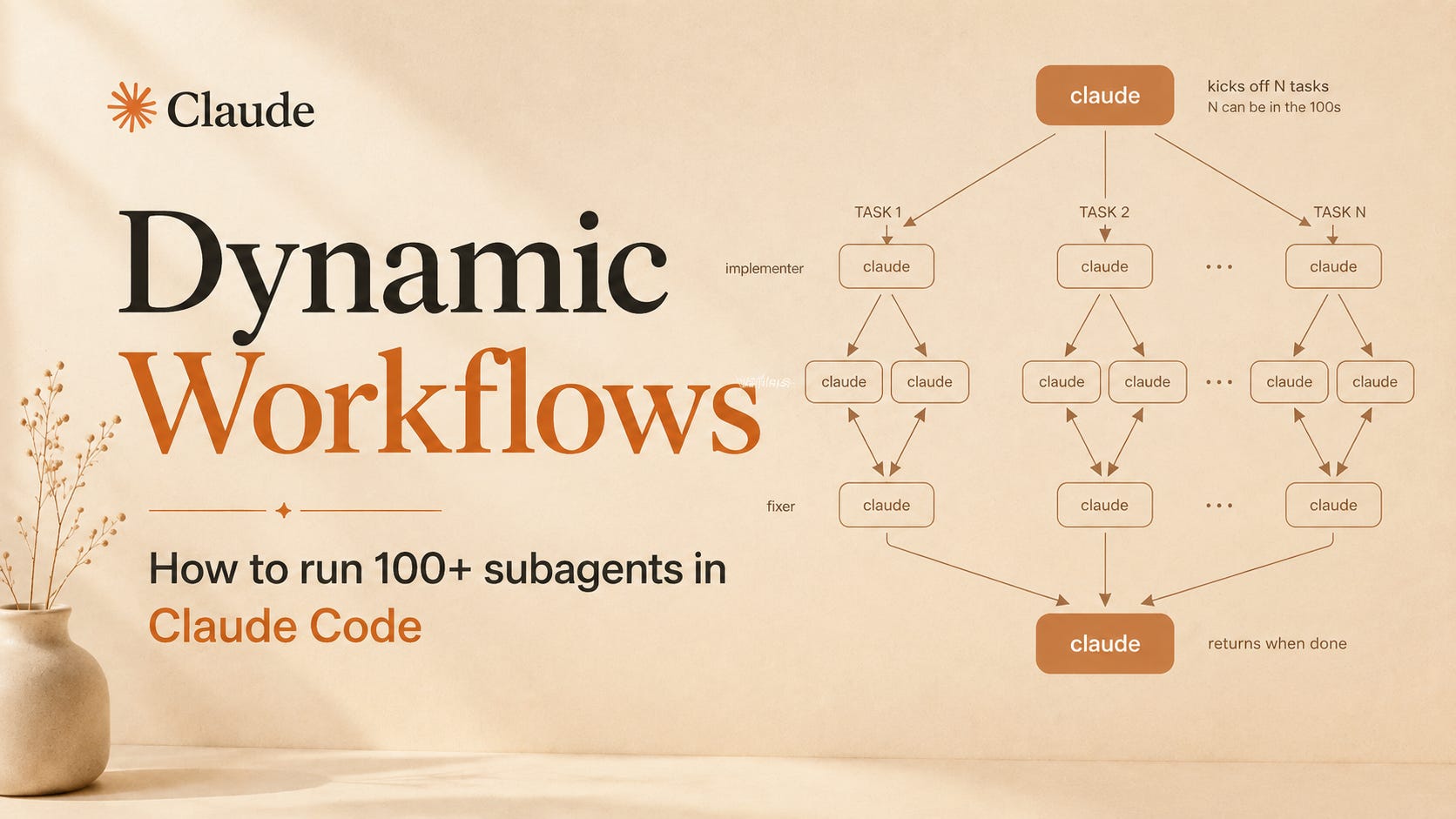
Instead of keeping the whole plan inside the chat, Claude writes a JavaScript workflow script. That script becomes the organizer. It can launch many subagents, give each one a small job, collect the results, verify the work, and then return one clean answer back to you. Anthropic describes it as Claude writing orchestration scripts that fan work out to tens or hundreds of parallel subagents in a single session.
That sounds technical, but the idea is simple:
Claude stops acting like one worker.
It starts acting like a project lead.
The main idea is: move the plan out of the chat
In normal Claude Code, the main Claude session holds the plan.
It reads a file.
Then another file.
Then runs a command.
Then reviews the output.
Then reads more files.
Then updates the plan.
This works for small and medium work. It breaks down when the job is big.
Dynamic Workflows move the plan into code. Claude writes a script. The workflow runtime runs that script in the background. The subagents do the file reading, testing, research, review, and verification. The main chat receives the final result, not every messy middle step. Anthropic’s docs explain the key difference clearly: with workflows, intermediate results live in script variables, while Claude’s context mostly receives the final answer.
That is why this matters.
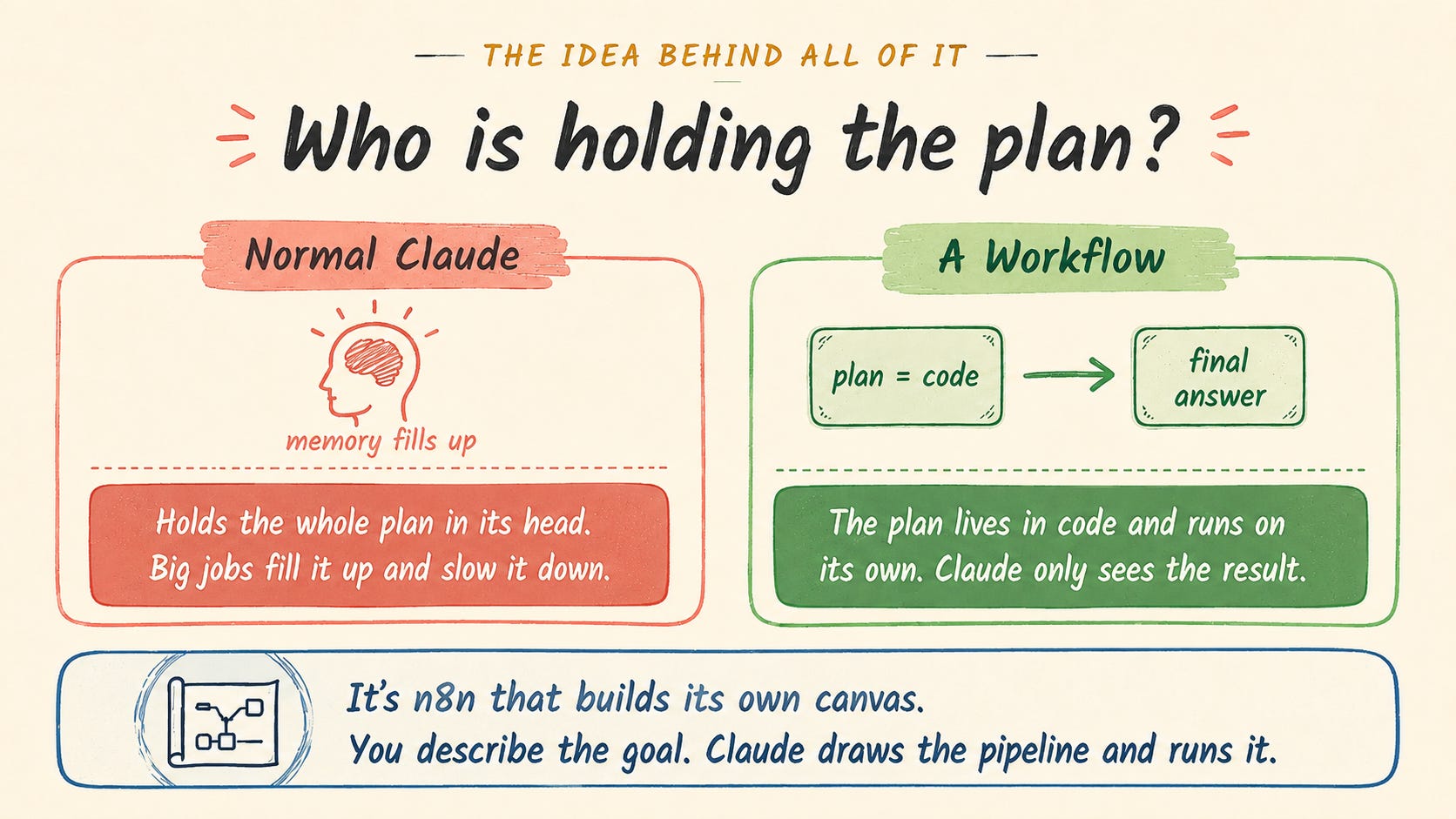
The context window is no longer the place where every small step has to live.
