How to Build Claude Plugins and Turn it into Small Business
A clear, hands-on guide for anyone who wants to use Claude plugins, build their own, or turn repeated work into a small AI product.

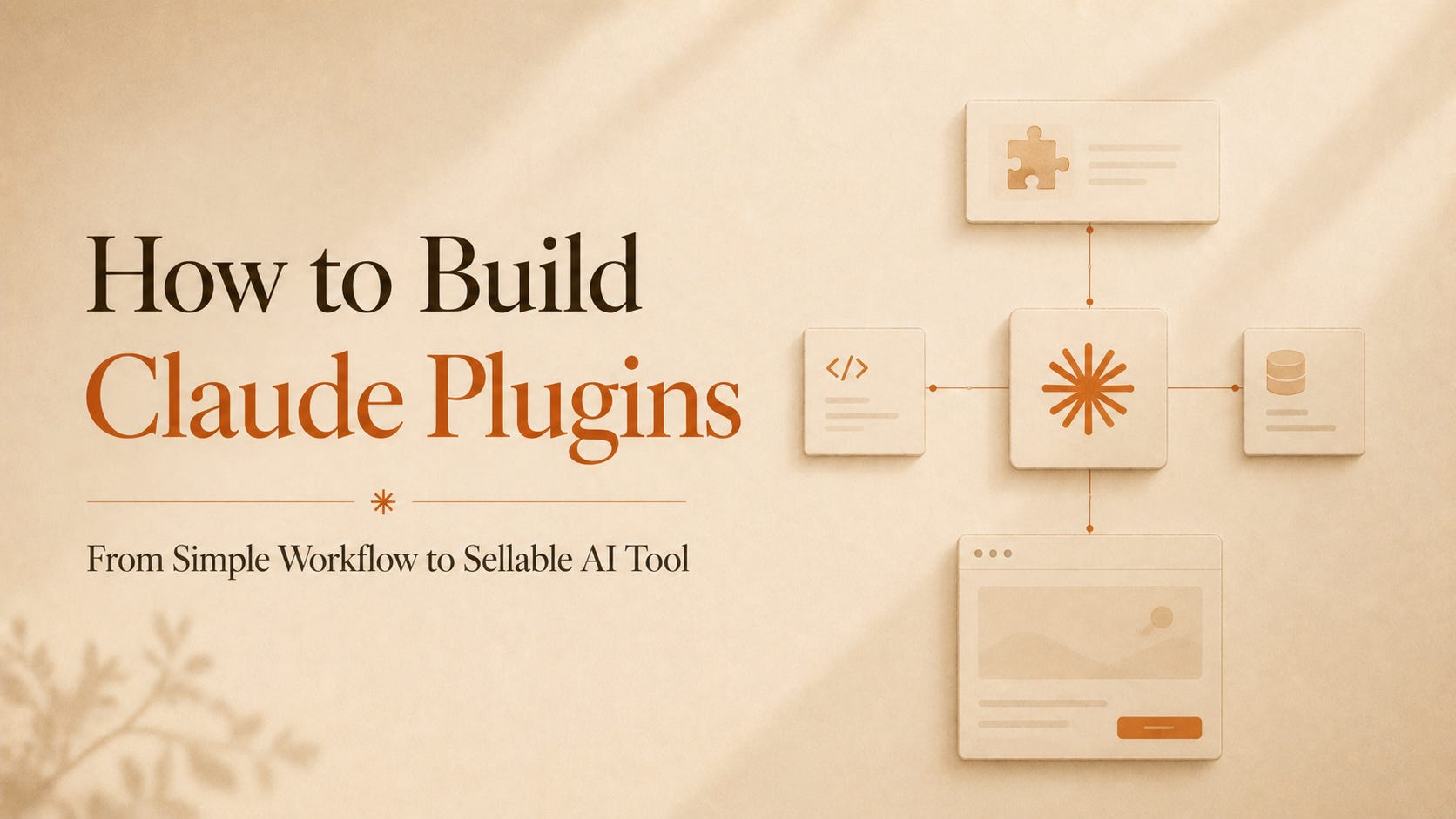
A Claude plugin starts at the exact point where a prompt becomes too weak.
One prompt can help once.
A plugin can carry a whole workflow.
It can remember the role, the process, the rules, the files, the commands, the checks, and the way the output should look every time.
That is why Claude plugins matter now.
Not because they are fancy.
Because they turn Claude from a smart assistant into a repeatable work system.
You can build one for coding. You can build one for sales.
You can build one for legal review, weekly reports, client onboarding, content production, security checking, customer support, or your own company process.
And the good part is this:
A simple plugin is mostly files and instructions.
Not a big software product. Not a full SaaS app. Not a huge engineering project.
If you can clearly explain a workflow to a human employee, you can probably turn that workflow into a Claude plugin.
That is the real opportunity.
First, understand what a Claude plugin actually is
A Claude plugin is a packaged workflow.
In Claude Code, plugins can include skills, agents, hooks, MCP servers, LSP servers, monitors, default settings, and slash commands. Anthropic’s plugin docs describe plugins as a way to extend Claude Code with custom functionality that can be shared across projects and teams.
That sounds technical, but the simple version is this:
A plugin is a folder that tells Claude how to do a specific job.
Inside that folder, you can add:
A skill, which teaches Claude how to do a task.
A command, which lets the user run the task with something like /my-plugin:report.
A reference file, which gives Claude templates, examples, rules, or company knowledge.
An MCP server, which connects Claude to tools like GitHub, Slack, Notion, Figma, databases, or APIs.
A hook, which runs automatically when something happens.
An agent, which gives Claude a more specific role.
A plugin is not only a prompt.
It is a small working environment.
That is why it is more valuable than a prompt pack.
A prompt says, do this.
A plugin says, here is the whole process, here are the tools, here are the rules, here is the output format, now run it the same way every time.
