Code with AI: 15 Tools for Different People and Situations
From non-coders to developers, here is how to pick the AI coding tool that actually fits your work.

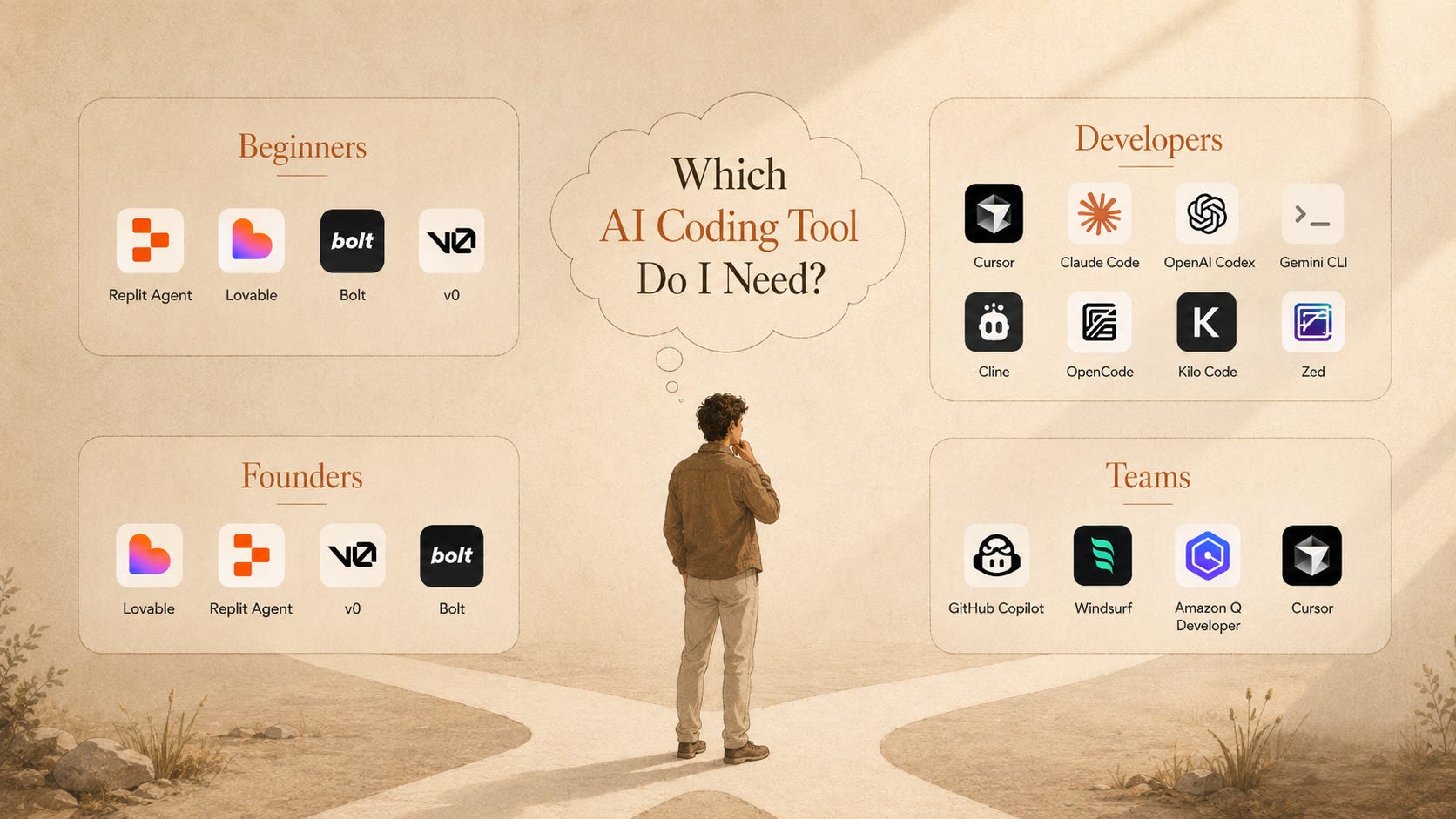
A practical guide to Claude Code, Codex, Cursor, Replit, Lovable, Bolt, v0, Copilot, and the new way of building software
A small business owner does not wake up wanting to learn React.
He just wants one simple thing.
A page where staff can upload invoices.
A dashboard where he can see paid and unpaid orders.
A reminder button that sends a polite email to customers.
Maybe one login page so random people cannot see the data.
Before AI coding, this was already a project. You needed a developer, a designer, hosting, database setup, some back and forth, and a budget that felt too big for a small internal tool.
Now the first version can be built in a weekend.
Not because AI is magic.
Not because coding has disappeared.
But because the first painful layer has changed.
You can describe the product.
The tool can create the files.
The agent can edit the app.
The model can explain the error.
Another agent can test it.
And you can keep pushing until it becomes something real.
This is why learning AI coding matters now.
It is not only for software engineers anymore. It is for founders, students, creators, analysts, marketers, researchers, and anyone who keeps saying:
I wish I had a small tool for this.
That sentence is now enough to start.
Your new co-worker is not a chat window
The old way of using AI for code was simple.
Ask ChatGPT for code.
Copy it.
Paste it somewhere.
Pray it works.
That was useful, but limited.
The new AI coding tools work closer to the actual project. They read files, understand folders, edit code, run commands, check errors, write tests, and sometimes open pull requests.
That is a very different world.
Stack Overflow’s 2025 Developer Survey said 84% of respondents were using or planning to use AI tools in development. That number matters because it tells us something simple: AI coding is no longer a side trick. It is becoming part of normal software work.
But here is the important part.
Using AI to generate code is easy.
Using AI to build something you can trust is harder.
That is where most people get stuck.
They open Claude Code, Cursor, Replit, Bolt, or Lovable and type:
Build me an app.
The tool builds something. It looks exciting. Then errors appear. The login breaks. The database does not save. The button does nothing. The design looks fine on desktop and terrible on mobile.
Then they say vibe coding is overhyped.
The real problem is not always the tool.
The real problem is the workflow.
First understand the three kinds of tools
Do not start by asking which tool is best.
Start by asking what kind of builder you are.
There are three main categories.
1. App builders
These are for people who want to describe an app and get a working first version.
